
Tags and Segments
Tag your customers and group them into segments by any criteria — so you send precise offers exactly to those who need them.
What this gives your business
Flexible tags
Tag customers manually or by rule — “wholesaler”, “loves coffee”, “VIP”.
Dynamic segments
Form customer groups based on tags and criteria and work with them separately.
Precise offers
The campaign reaches only the relevant segment — better response, fewer unsubscribes.
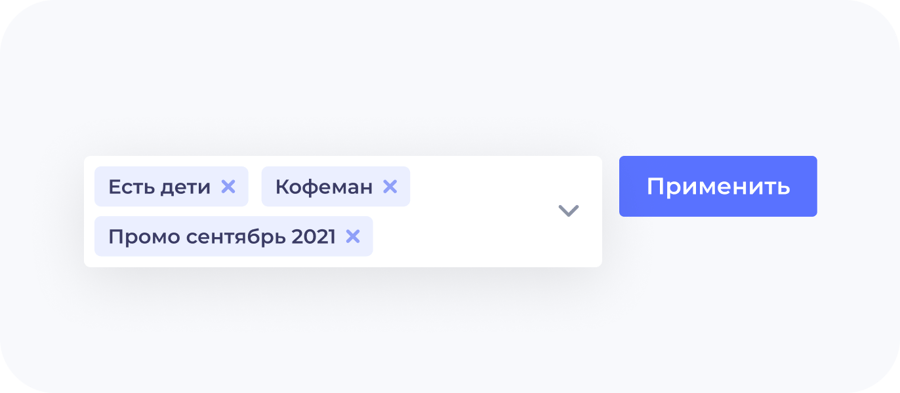
System tag on database import
Every client imported into UDS from your previous database is automatically assigned a system tag.
This simplifies segmentation: the right customer groups are found faster.
Tags are visible right at the checkout
The cashier in UDS Cashier and UDS Cashier Web sees the client's tags at checkout and can add a new one — for example, "likes coffee". For this to work, enable tags in the UDS Business web version: "Settings" → "Tags and segmentation", create the needed tags and update the app for cashiers.