Rezerv Online
Create an online booking form in 5 minutes. Your clients will be able to book appointments with you easily 24/7, even while you sleep.
Register with the Rezerv.Online booking service at https://rezerv.online/accounts/google/login/
Create an online booking form in 5 minutes. Your clients will be able to book appointments with you easily 24/7, even while you sleep. The service is free forever for the first 500 registered entrepreneurs/self-employed professionals.
How it works
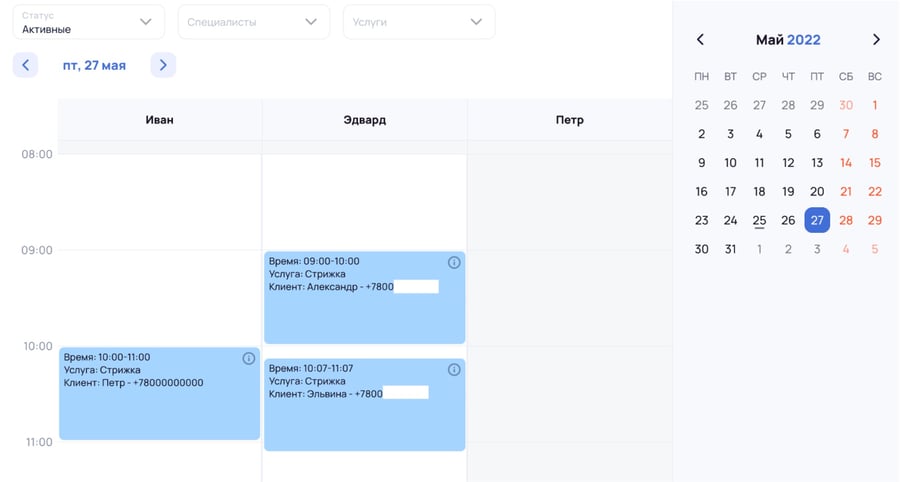
Once you've created the online booking form, your clients will be able to book appointments with you easily: they simply need to choose the desired service, a convenient date and time, and the right specialist. As soon as a booking is made, you'll receive a notification about the new appointment in a Telegram chat; if a client wants to cancel an existing booking, you'll also receive a notification message in the Telegram chat.
More details on setup: https://rezerv.online/
How to set up
Register with the rezerv.online service at: https://rezerv.online/accounts/google/login/, by logging in via Google.
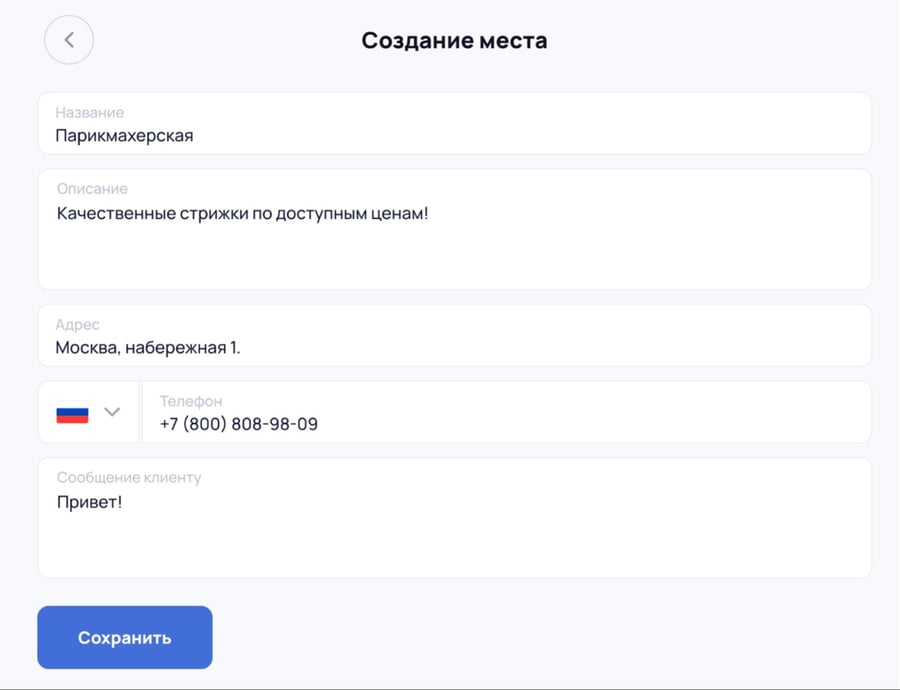
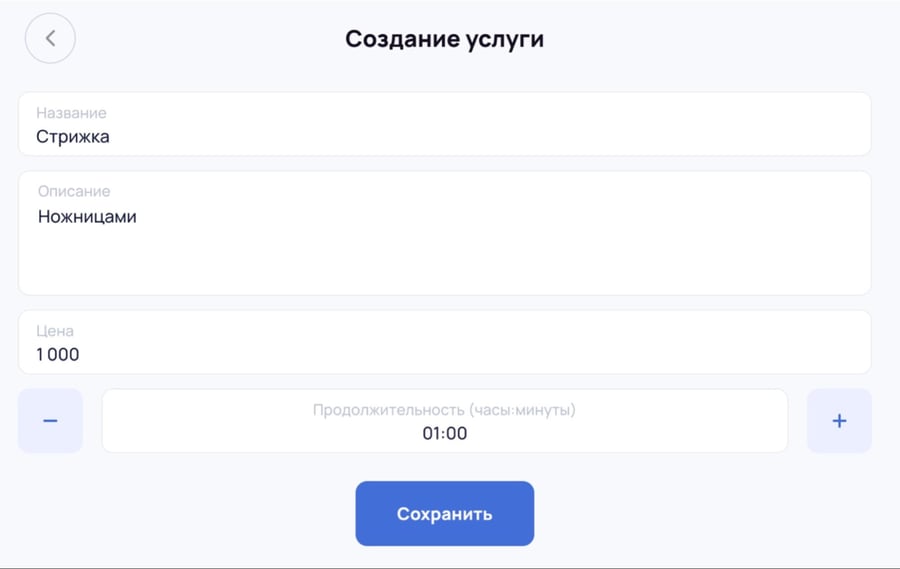
Add information about your company, services, and specialists.
Set the link to the online booking form as the accent button of your company in UDS. ( https://kb.uds.app/l_rus/knowledge_base/item/284998 ). The link to your form can be found on the “Specialists” or “Services” pages, under the “Link” button.
In addition, you can place the online booking link on your personal website, on social media, or send it directly to the client.
Business Tools
Advertising in UDS
Partnership
Reviews and Case Studies
Knowledge Base
Important:
Request a UDS Presentation